
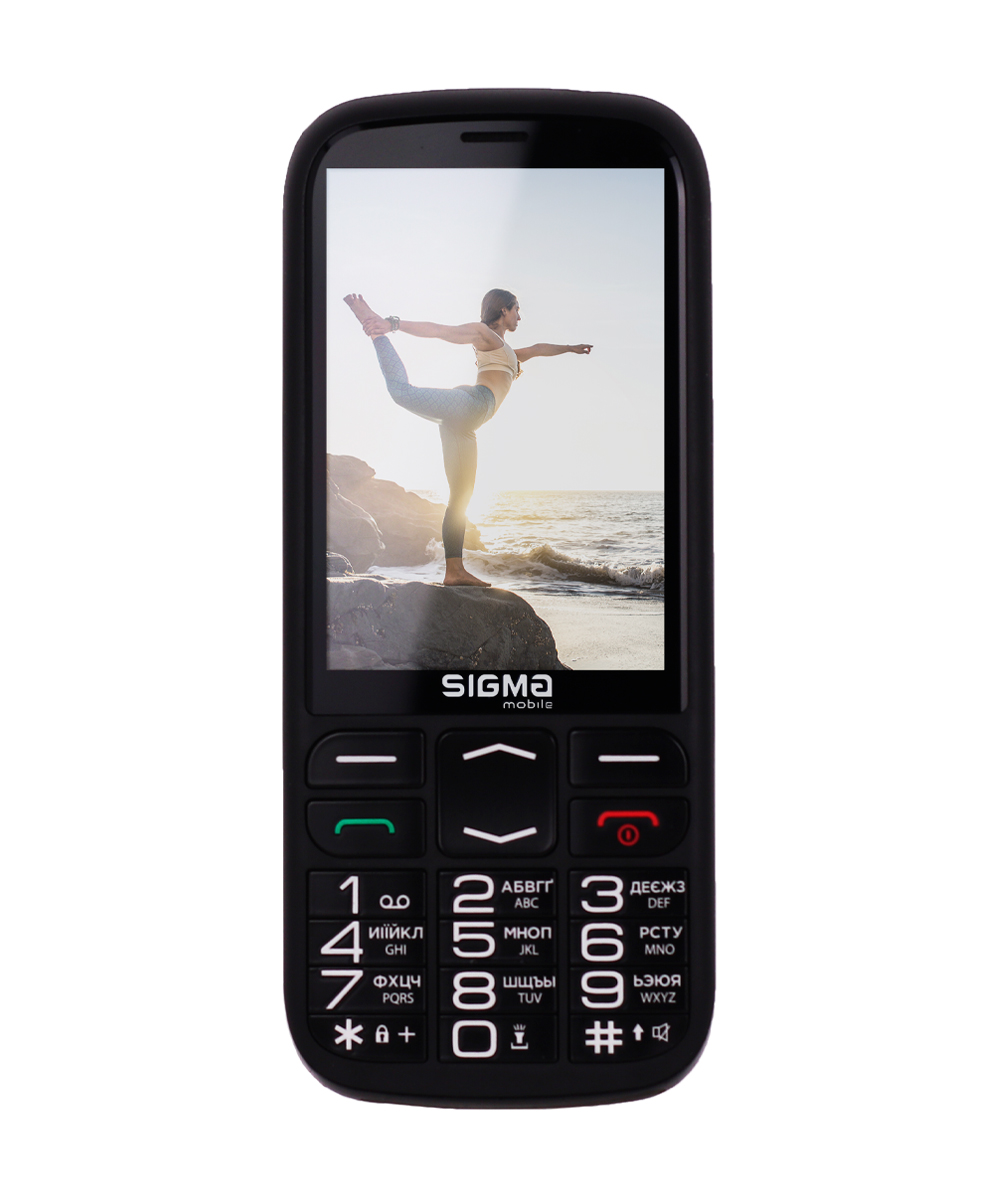


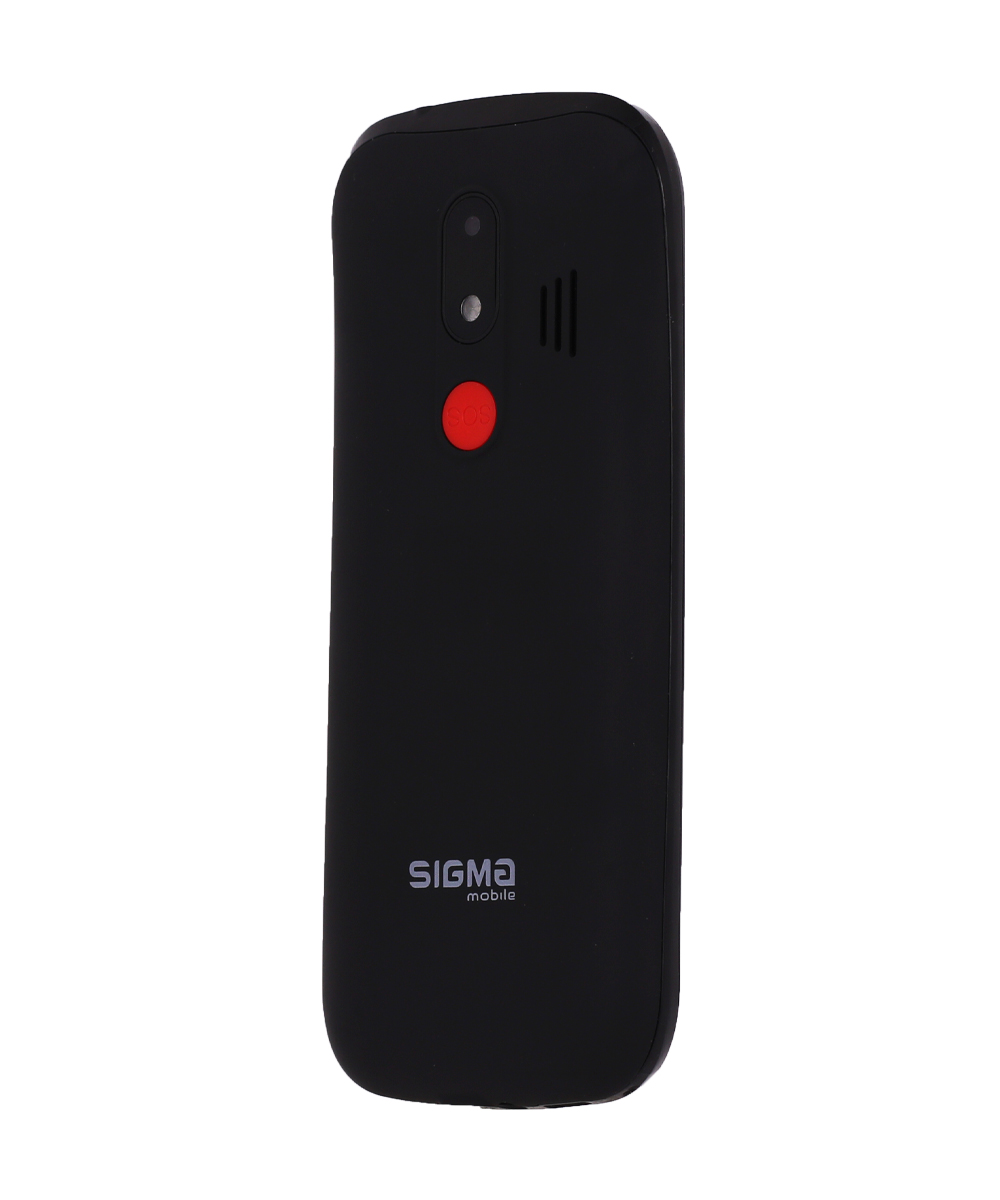

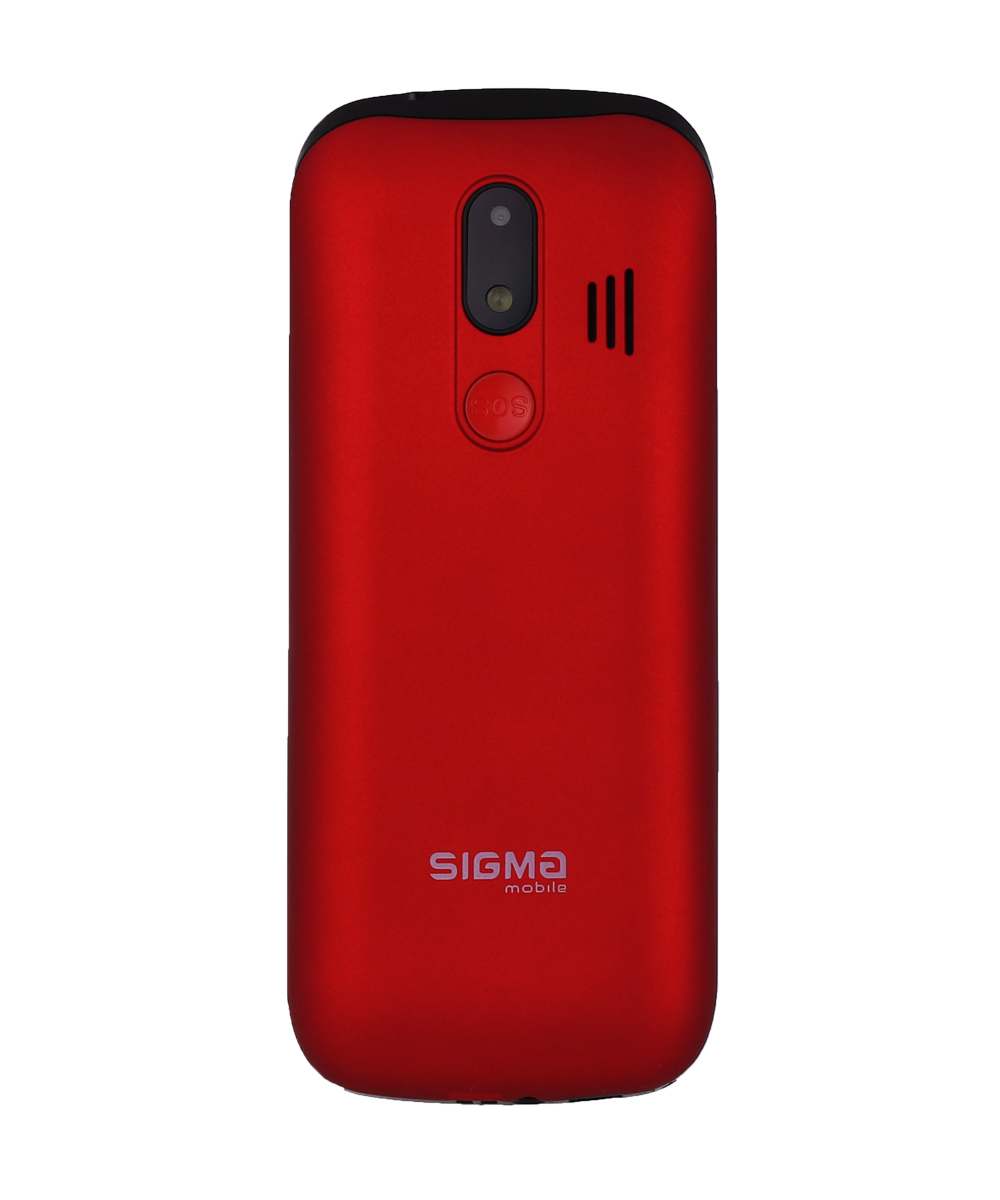

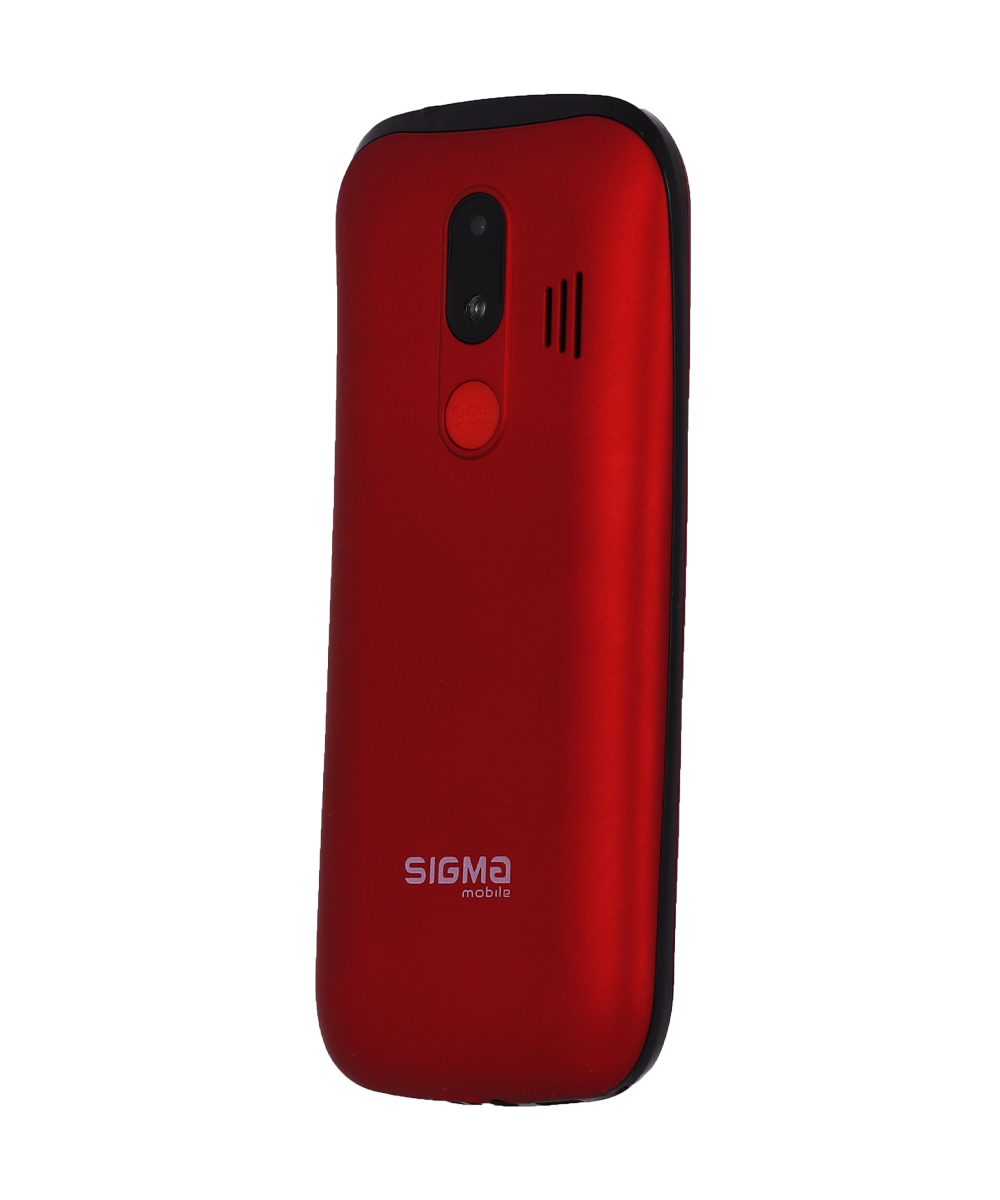
The most comfortable phone in the Comfort 50 line with a large screen, interesting frame design, large characters on the keys and the voice-over function for particular actions - this is Comfort 50 Optima. This device is nice to hold in your hands thanks to the size and the coating of the frame, it has two colors to choose from (black and red), as well as even more new features.
Comfort 50 Optima is equipped with a 3.5” color display with a resolution of 320x480 dpi. This is one of the largest screens among Sigma mobile push-button phones: it is convenient not only for typing out SMS messages, but also for reading e-books or writing notes, because the font is also large. According to the company's standard, the keyboard has characters for typing in Ukrainian, English and Russian.
Thanks to the support of two SIM-cards of the miniSIM format, the phone works in GSM mobile networks. To expand user memory, you can use the microSD card slot for cards with a capacity of up to 32 GB.
Comfort 50 Optima’s phonebook allows you to store up to 1000 contacts in the device's memory. You can set 2 numbers, a name, a photo and your own melody for each contact. Moreover, you can store up to 1000 SMS messages on the device, and both contacts and messages can be exported and imported.
We added a timer, a stopwatch and notes to the Organizer menu section. In addition, you will, of course, find an alarm clock, a calculator, a calendar (where you can create events), an e-book reader and a flashlight there.
The Multimedia section includes audio and video players, a camera with a matrix resolution of 0.3 MP, a voice recorder and an FM radio. You can listen to the radio without a headset thanks to the built-in antenna.
The 2500 mA*h battery will allow you to use Comfort 50 Optima for… You will be able to call people that have various operators, listen to music and write shopping lists in notes with absolute comfort, without worrying that the device will run low on charge too quickly.
Like any Comfort 50 phone, Optima has an emergency SOS function that can be activated with a red button on the back of the device. When you press the button, the device will immediately send an SMS message, and then make calls to your selected emergency contacts (there can be 5 of them in total). We made sure that the SOS button works with a locked screen. And to turn SOS off, just click on the button again.
We have also not forgotten about your safety and have given the device various protective functions. There are, of course, standard phone lock functions - power-on password, SIM card password and locking the keyboard. And the "Black list" and "White list" functions will help to protect you against scammers, because they only allow calls from the people you have chosen.